


Overalls Button

Spread the Word and Earn Cash!

(50 referrals --> $950!, no caps)

We are excited to introduce a limited-time, exclusive referral bonus just for YOU - Building Reps and Union Stewards. Refer members to join MemberAssist and double your reward. 

From now until March 31st, you can double your reward by earning the standard MemberAssist referral reward plus an extra $10 for every successful referral.

Here’s what that can look like:

Refer 10 people → Earn $100 in milestone rewards + $100 bonus ($200 total)

Refer 20 people → Earn $200 in milestone rewards + $200 bonus ($400 total)

Refer 50 people → Earn $450 in milestone rewards + $500 bonus ($950!!)

There’s no cap — the more people you refer, the more you earn. Act now! This bonus period ends on March 31st! 

Overalls_Spot_BrightFuture-02 1
Use your union member email address to unlock your account. Need help? Email help@getoveralls.com 

How Can You Sign Up?

To get started:

  1. Activate your MemberAssist Account (if you haven’t already)
  2. Join the referral program and share your referral code with your building!
  3. Add your referral link to the attached documents and share with your union colleagues!

To help you earn rewards we’ve attached ready-to-use content to easily spread the word and promote MemberAssist. Be sure to include your unique Referral Code in all communications so you receive proper credit for your referrals.


If you have any questions or need additional support, we’re happy to help.


Ready-to-Use Content

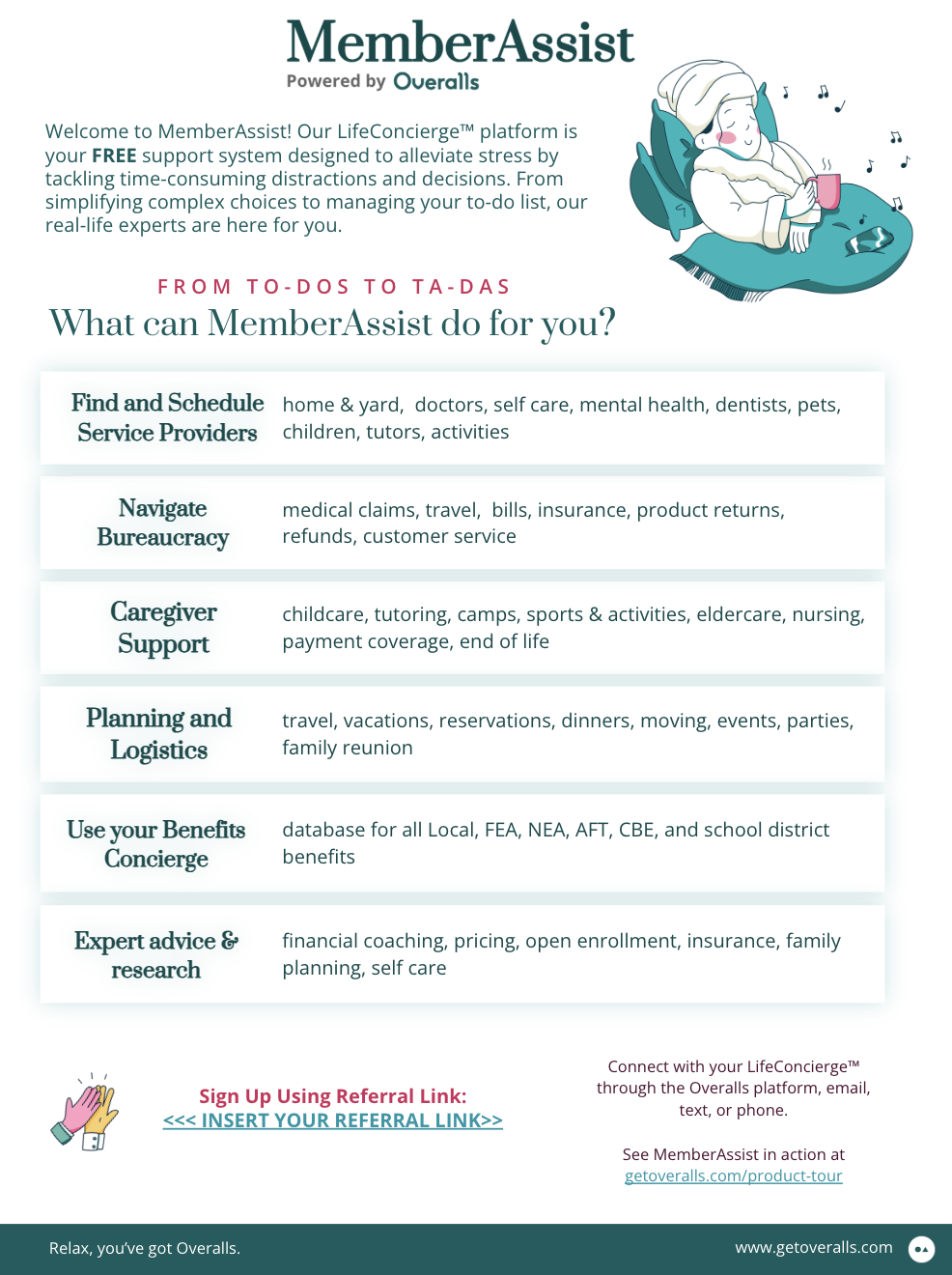
Screenshot 2026-02-09 at 3.03.53 PM

MemberAssist Poster

A poster that explains the MemberAssist benefit and links to your referral code!

Click to Download
Screenshot 2026-02-09 at 3.07.41 PM

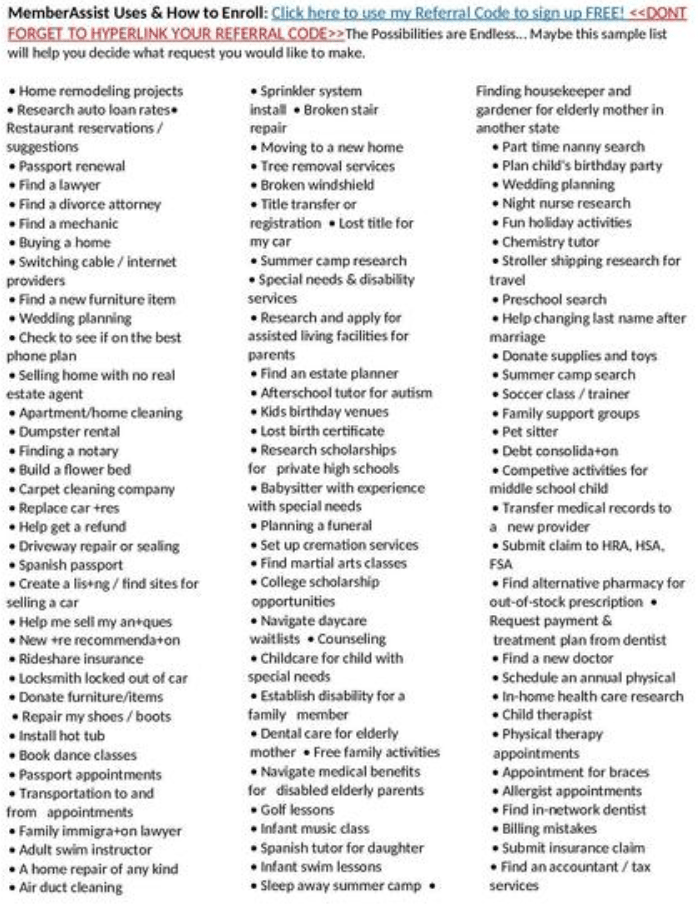
Uses for MemberAssist and How to Register

A large list of how you can utilize MemberAssist and how you can sign up with a referral code.

Click to Download
Screenshot 2026-02-09 at 3.26.57 PM

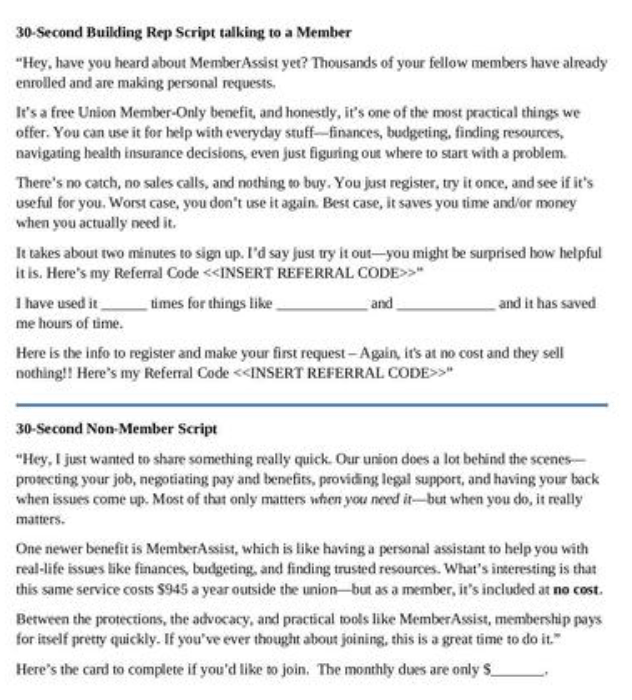
Short Scripts

Email and in person communication

Click to Download
Screenshot 2026-02-09 at 3.28.21 PM

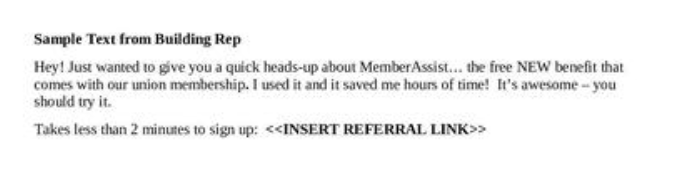
Text from Building Rep to a Member

Example texts to send to members

Click to Download

Still unsure? See how others are using MemberAssist